 IDEAL
IDEALSmiling portrait
A large, sharp face with soft, even light gives the relief clear cheeks, eyes, lips, hair, and expression.
 Back to the studio
THE SWEET DETAILS
Everything you need to know before turning a tiny moment into an edible loop.
BETTER INPUT, BETTER RELIEF
Video is the best choice because real expressions and movement create the most natural 15-frame animation. A good photo works too—we can add motion and candy effects to bring a still moment to life.
IDEALA large, sharp face with soft, even light gives the relief clear cheeks, eyes, lips, hair, and expression.
 IDEAL
IDEALKeep every face large and unobstructed. A short cheer, laugh, wave, or shared reaction makes an excellent loop.
 IDEAL
IDEALSoft light and a close, clear face preserve subtle features. A still photo can gain gentle motion and candy effects.
 AVOID
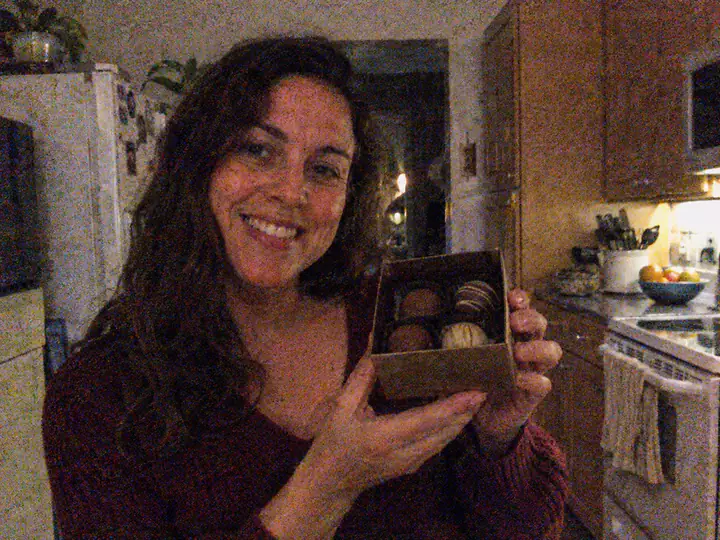
AVOIDHeavy grain and colored speckles can turn into false bumps and rough texture.
 AVOID
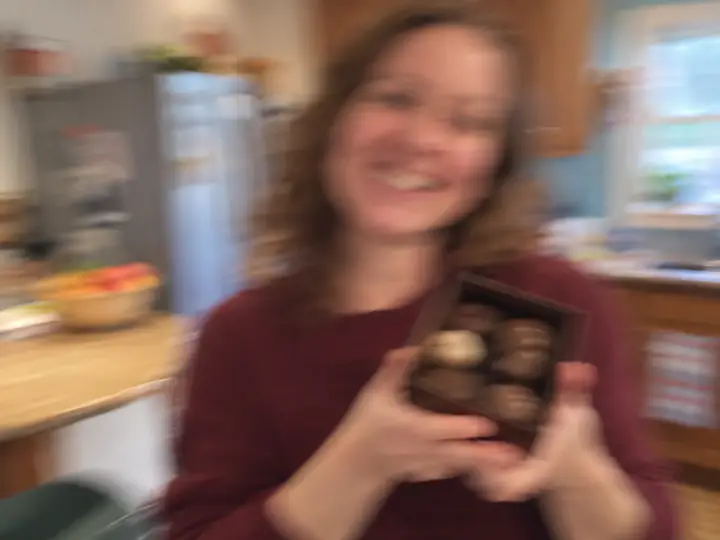
AVOIDCamera shake and missed focus erase the small edges that define eyes, lips, and expressions.
 AVOID
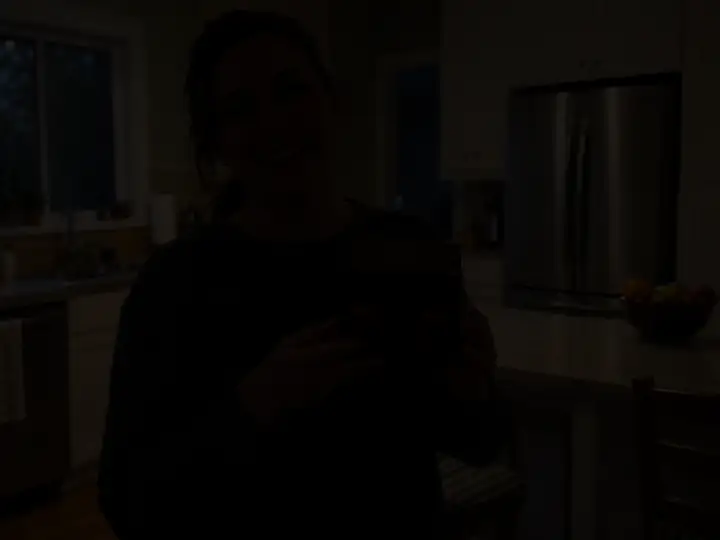
AVOIDCrushed shadows contain too little information for reliable shape and surface detail.
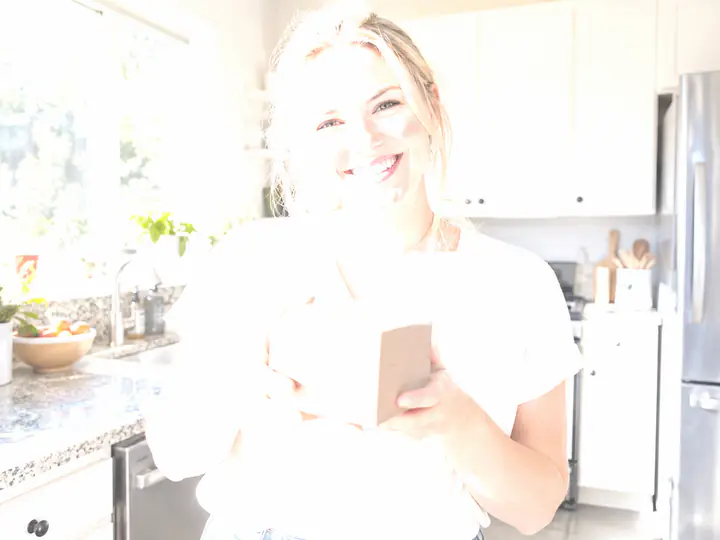 AVOID
AVOIDPure-white highlights have no recoverable texture, even when the outline is still visible.
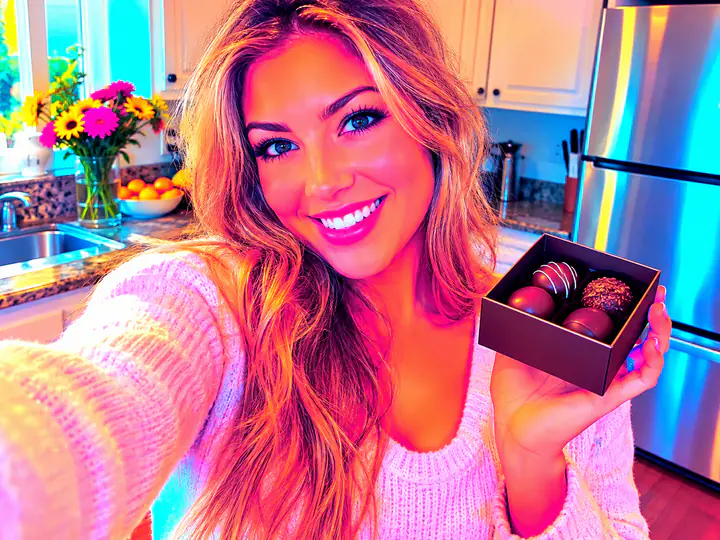 AVOID
AVOIDExtreme color, smoothing, posterization, and sharpening can create misleading depth cues.
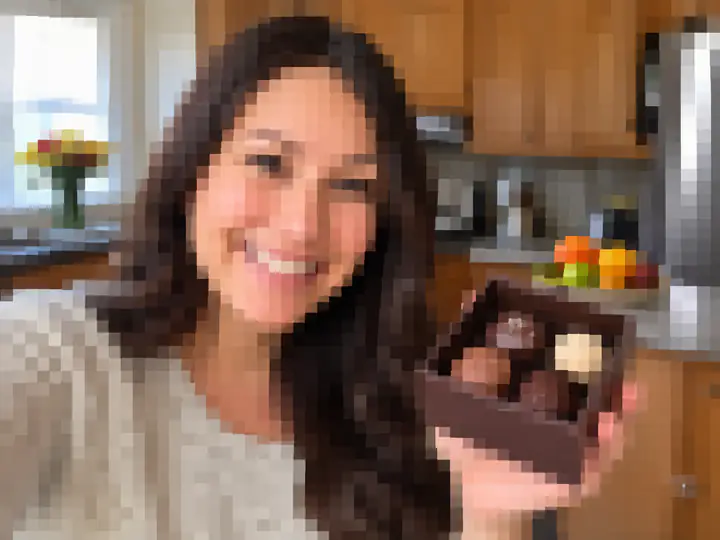 AVOID
AVOIDUpscaling makes a file bigger, but it cannot recreate facial detail that was never captured.
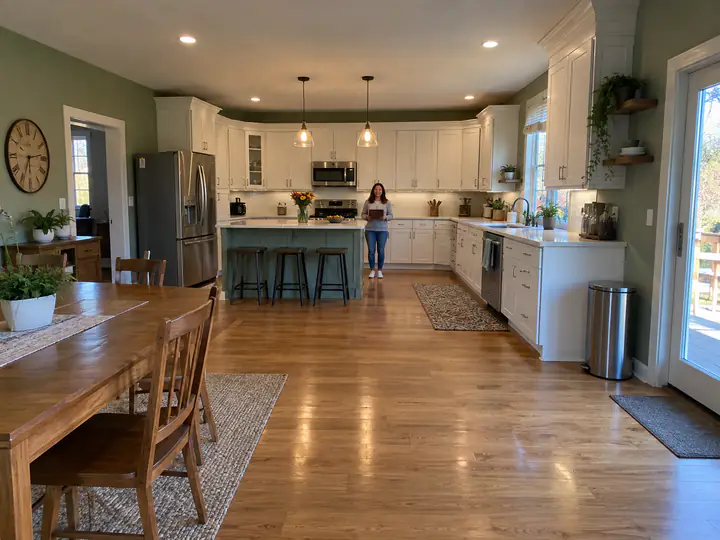 AVOID
AVOIDA distant subject leaves too few pixels for the face and body, while the room dominates the depth map.
All pictures in this guide are AI-generated examples, not customer photos.
Choose Chocolate Photo Relief, then Build depth preview. A small general-purpose Depth Anything V2 model estimates the shape of people, animals, objects, and scenery on your device. The initial download is about 40 MB; your pictures are never uploaded. A still photo is estimated once and reused across its animated frames. Video frames are estimated individually and can take longer. Candy and borders are layered afterward, so you can keep editing them. Use Compare quick preview to see the difference. The result is a visual estimate; the separate Depth Studio prepares production relief. Model license · ONNX Runtime license.
The viewer uses Three.js (MIT) to place your frames on three-dimensional tiles, with studio reflections and cached shadows. It illustrates the stroboscopic effect with neighboring frames offset around the drum. Chocolate relief is a visual simulation. The 3D view needs WebGL 2; if graphics are unavailable, a flat preview is shown. Your pictures stay on your device. Three.js license.
A zoetrope is a spinning animation viewer with a sequence of images arranged around the inside of a cylinder. When the cylinder spins and you look through its evenly spaced slots, each slot briefly isolates one frame. Your eyes blend those rapid glimpses into one moving loop. FlickerBonbon uses 15 edible frames to create that same playful illusion.
Each starter set includes one personalized 15-frame edible strip and one reusable zoetrope viewer. Current prices and additional-strip prices appear in the pricing section.
Pure Chocolate uses molded monochrome relief, while Color Candy preserves the bright colors of the finished artwork with edible printing.
Choose a video up to 30 seconds long, then drag the one-second window across its timeline. The 15-frame crop preview updates as you move; release to render the selected second at full quality.
Yes. Drag the crop preview to pan, use the zoom control, and choose either a square 1:1 frame or a portrait 4:5 frame.
No. Preview media is decoded and transformed inside your browser using temporary device memory. It is not sent with the contact form and disappears when the page closes or reloads unless you save or share the finished strip.
Only media you own or have permission to use. Do not upload illegal, sexually explicit, exploitative, hateful, harassing, privacy-violating, or otherwise inappropriate content.
When enabled, a small private model checks a photo or sampled video frames on your own device before opening the preview. It may mistakenly block acceptable content or miss prohibited content. The check does not upload your file or its result.
Only if you own the necessary rights or have clear permission. Public availability does not make an image free to reproduce, and a person’s likeness may require consent.
No. It is a visual simulation of molded monochrome relief, not a production-ready mold map. Chocolate, molds, lighting, ingredients, and manufacturing tolerances can change the physical result. Before manufacturing begins, you will receive a final 3D proof showing the production relief and animation sequence. You can review the framing, frame order, depth, borders, and overall appearance, then approve it or request corrections. Manufacturing will begin only after you approve the final proof.
Ingredients and allergen details depend on the final product and production facility. Confirm dietary needs before ordering; a preview does not confirm suitability.
Private content screening uses NSFWJS (MIT) and Google's TensorFlow.js (Apache 2.0), with the model and browser fallback files served from FlickerBonbon. The optional in-browser person mask uses Google's MediaPipe Image Segmenter and Selfie Segmentation model (Apache 2.0). Mold-package ZIPs use fflate (MIT). The separate operator-only Depth Studio credits Apple's Depth Pro, PyTorch, Gradio, Plotly, NumPy, SciPy, OpenCV, Pillow, and Trimesh. Full licenses and notices ship with the local tool and website.
Tell us about your idea, event, or order.
Send an inquiry